
This article is a guide to the pig counting system. It contains the most important information from the knowledge base, organized in the order in which the system is configured.
If you are just starting to use the device, follow the instructions below in the order presented.
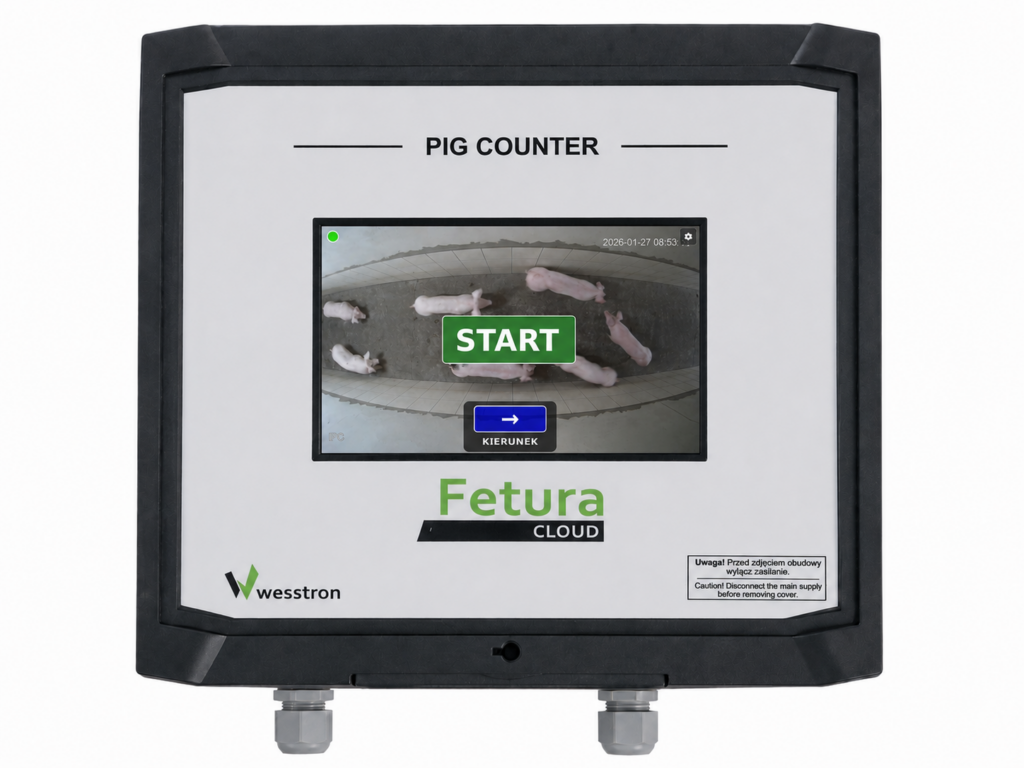
What is Pig Counter?
To find out what Pig Counter is, how it works, and whether it will be a good fit for your farm, start with the article below:
Pig Counter Configuration
The articles below will guide you through the basic setup of the device. In this step, you’ll work directly on the Pig Counter device, preparing it for use and connecting the first camera.
Recommended configuration order:
Configuration on the Fetura CLOUD platform
Once you have finished configuring the device, you can proceed to configure the Fetura CLOUD platform.
At this stage, you will assign devices to buildings and configure additional features available through the platform.
Problem Solving
If you encounter a problem or the device isn’t working as expected, check out the articles below.
We hope this guide has helped you find the right manual and made it easier to set up your Pig Counter.
If you didn’t find a topic that interests you in the knowledge base, please contact us. We’d be happy to expand the knowledge base with more articles and guides.


