
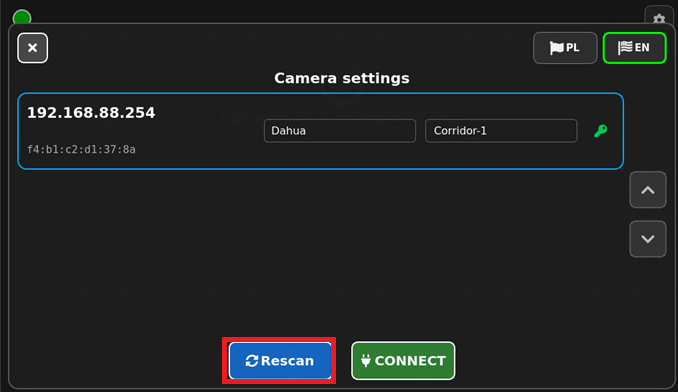
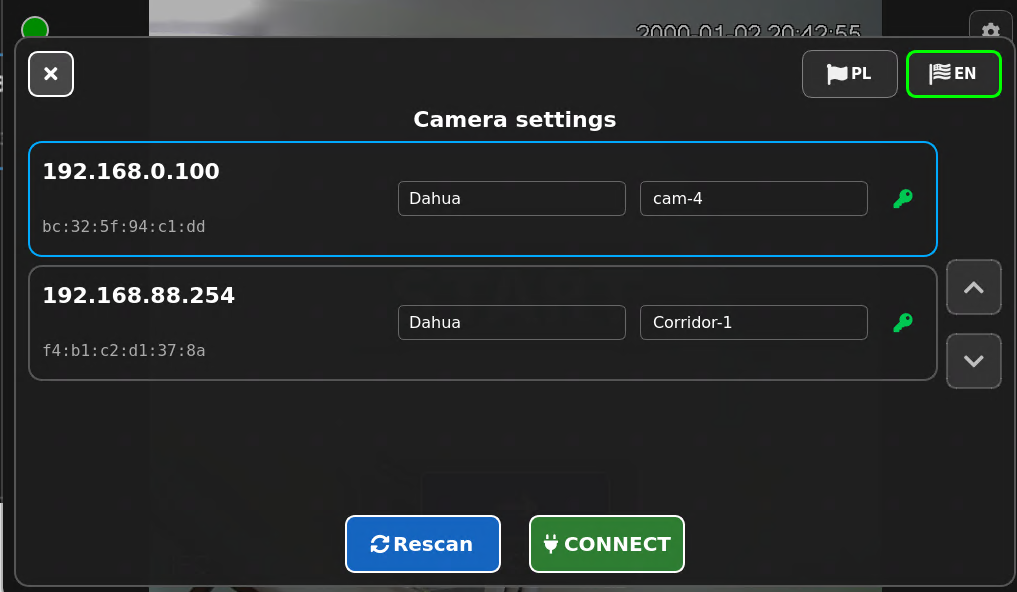
A yellow key icon may appear on the Camera Settings screen next to the selected camera.
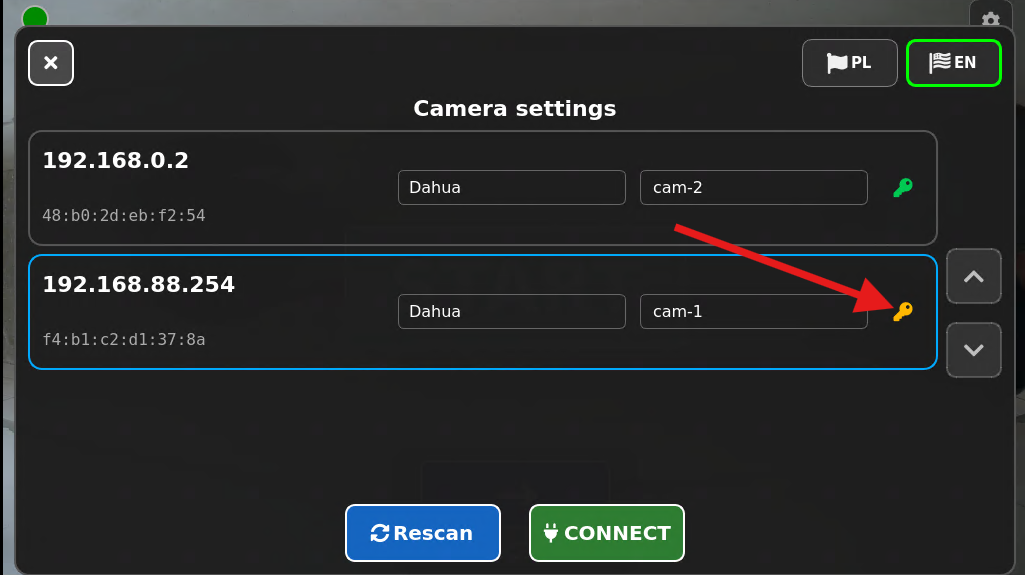
What does the red key mean?
A yellow key indicates that the camera requires a username and password to grant access.
It can occur in several cases:
- after the camera is detected on the network for the first time (before entering the password for the first time),
- after entering incorrect login credentials again on a device that has already been authenticated,
- after entering the correct username and password prompted by the red key icon.
What should you do?
To configure access to the camera feed, do the following:
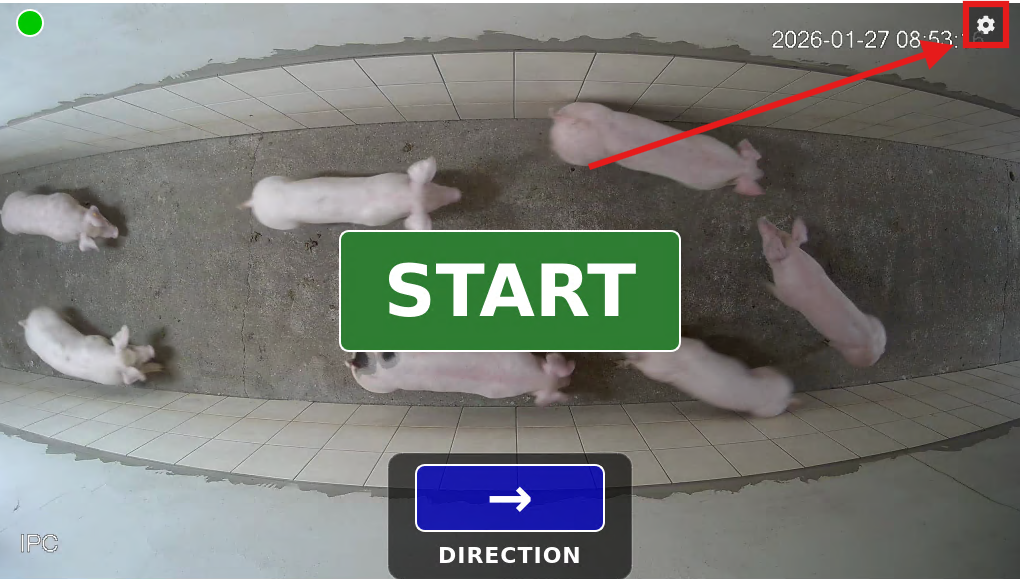
0. Access the camera settings by tapping the gear icon.
1. Tap the yellow key icon.
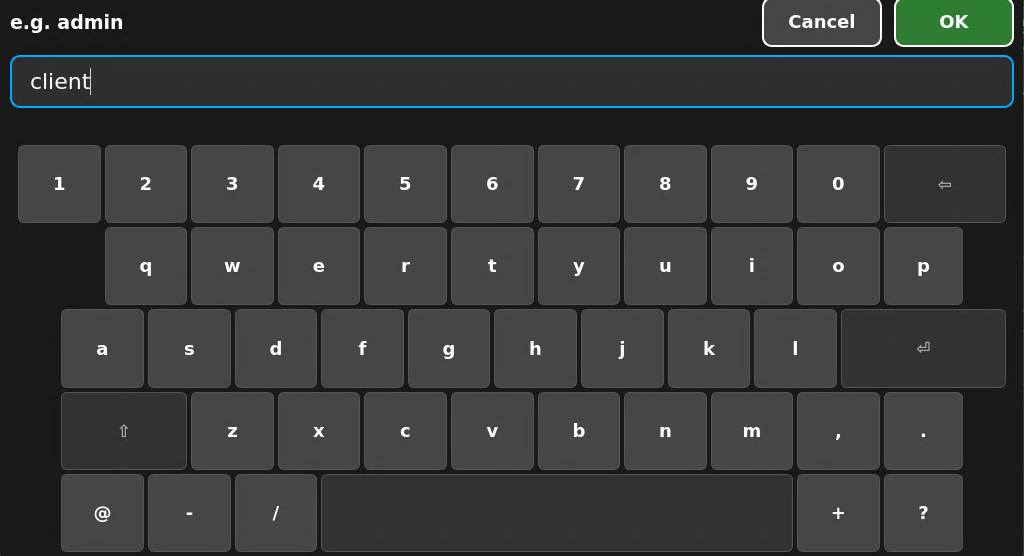
2. Enter your username in the first field and confirm it.
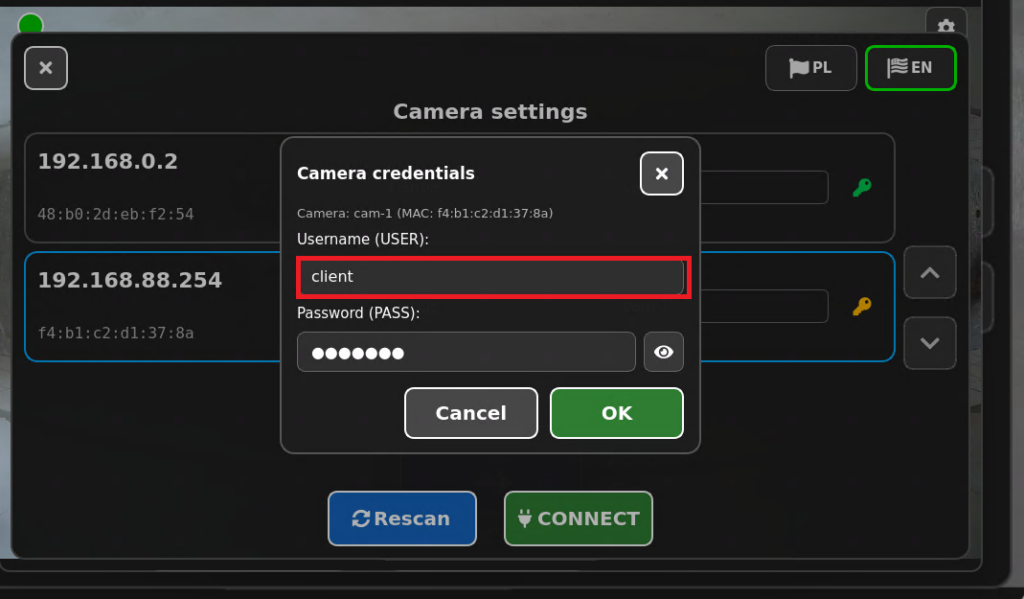
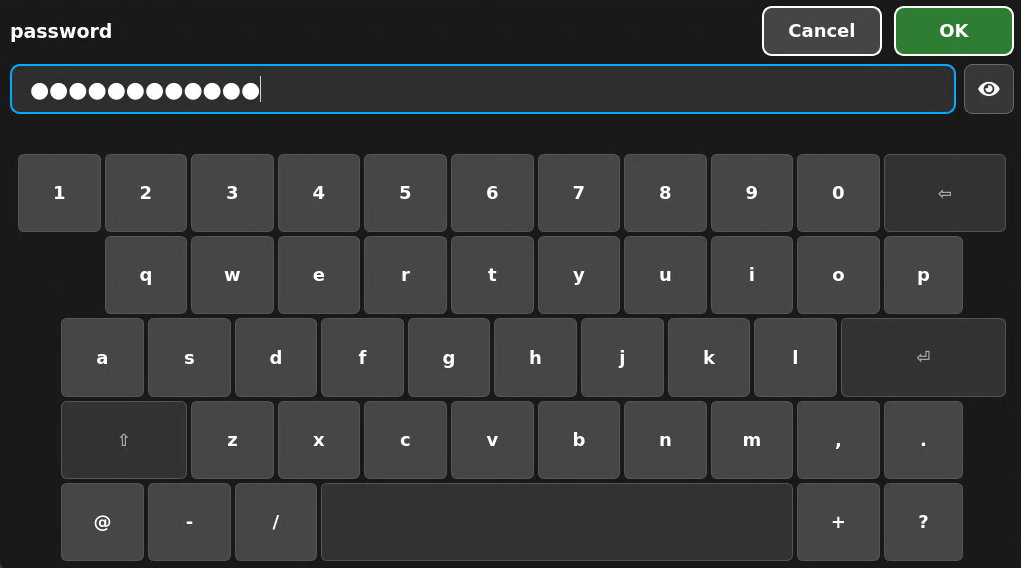
3. Enter your password in the second field and confirm it.
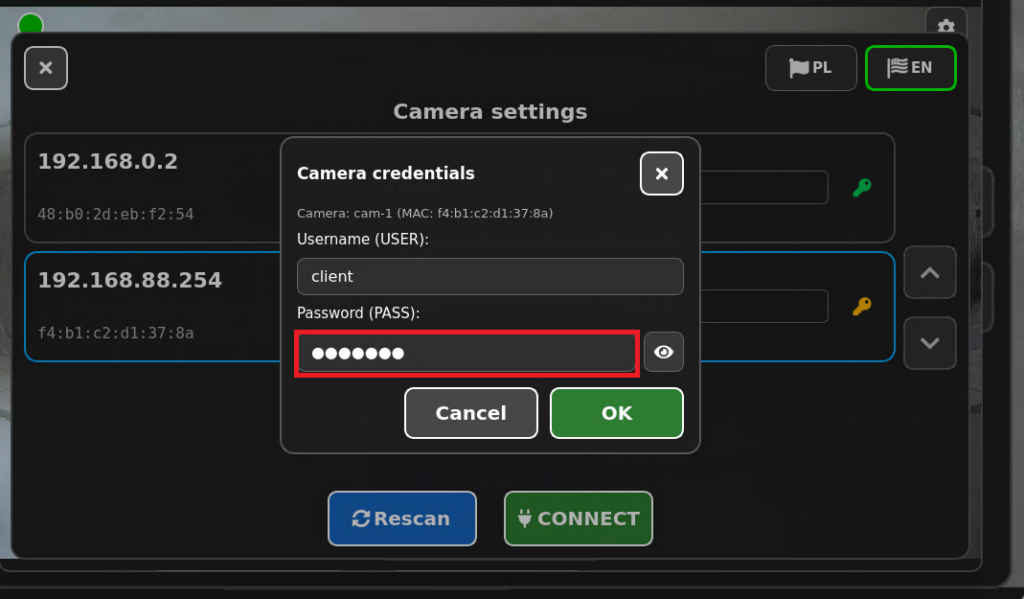
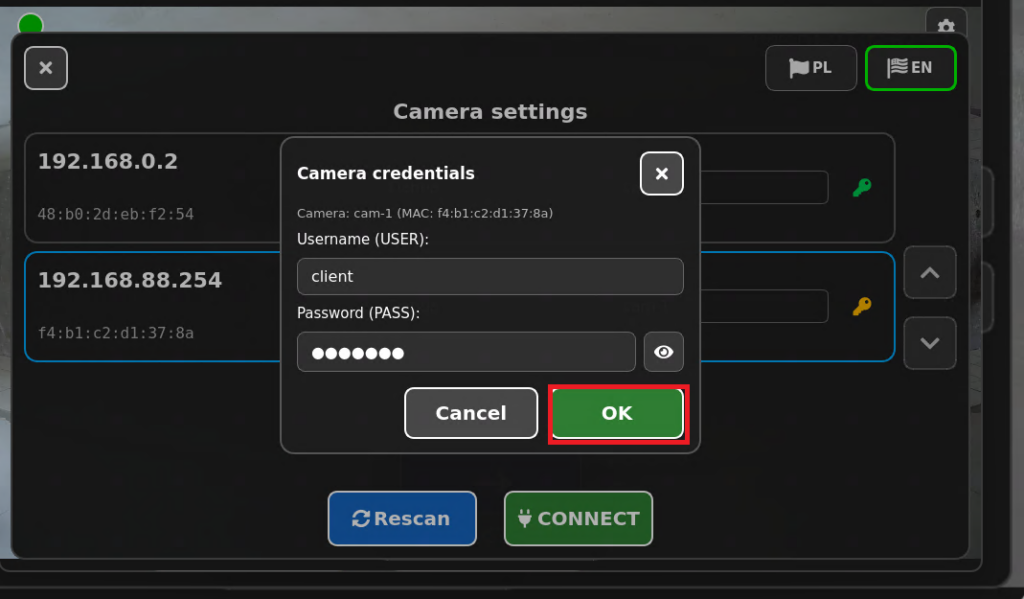
4. Confirm the information you entered.
5. Press the “SCAN” button to refresh the “Camera Settings.”
If you encounter any difficulties during the process, please let us know in the comments section of the article or directly via email.


