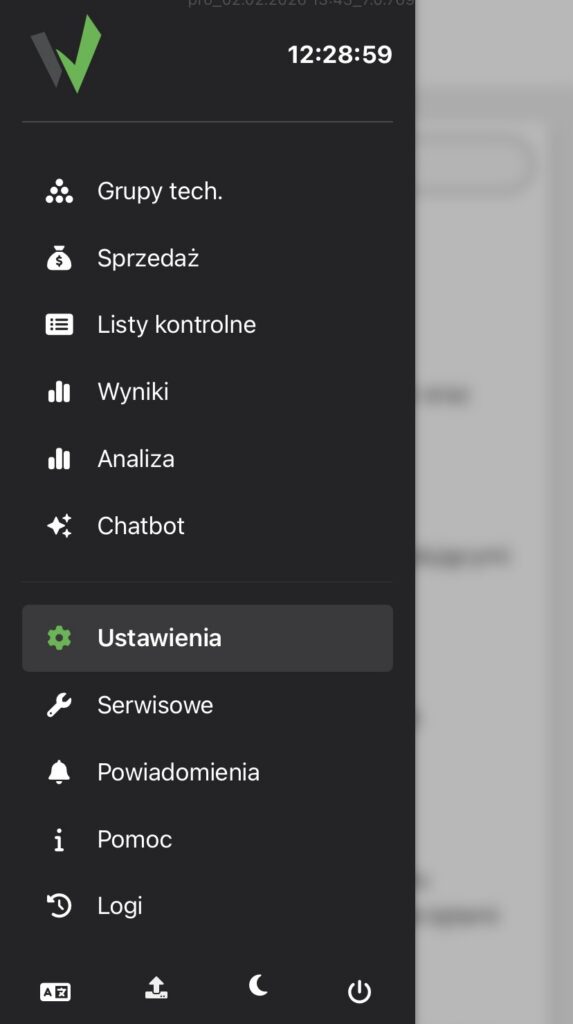
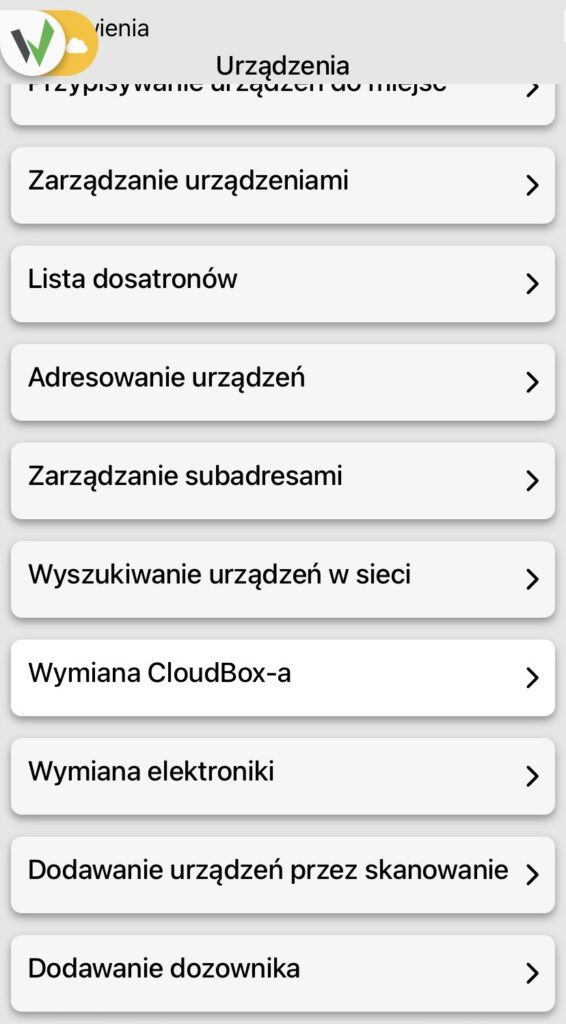
Wanting to add a device by scanning in the side menu, go to Settings -> Devices -> Add devices by scanning.
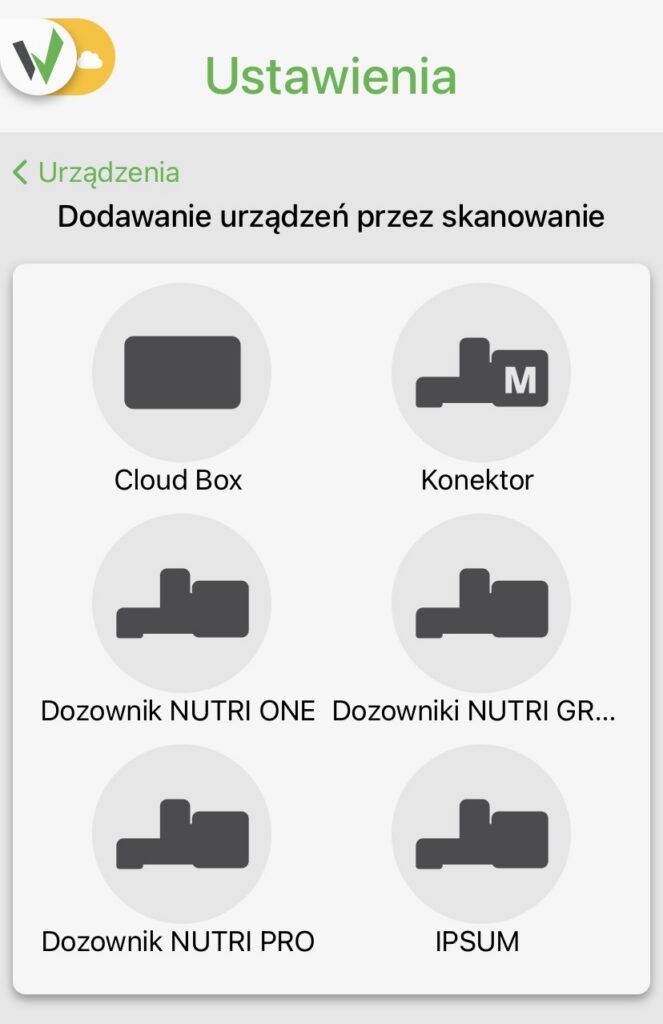
For example, we choose Cloud Box and scan its QR code from the case.
We wait about 2 minutes for the installation files to download.

Wanting to add a device by scanning in the side menu, go to Settings -> Devices -> Add devices by scanning.
For example, we choose Cloud Box and scan its QR code from the case.
We wait about 2 minutes for the installation files to download.


