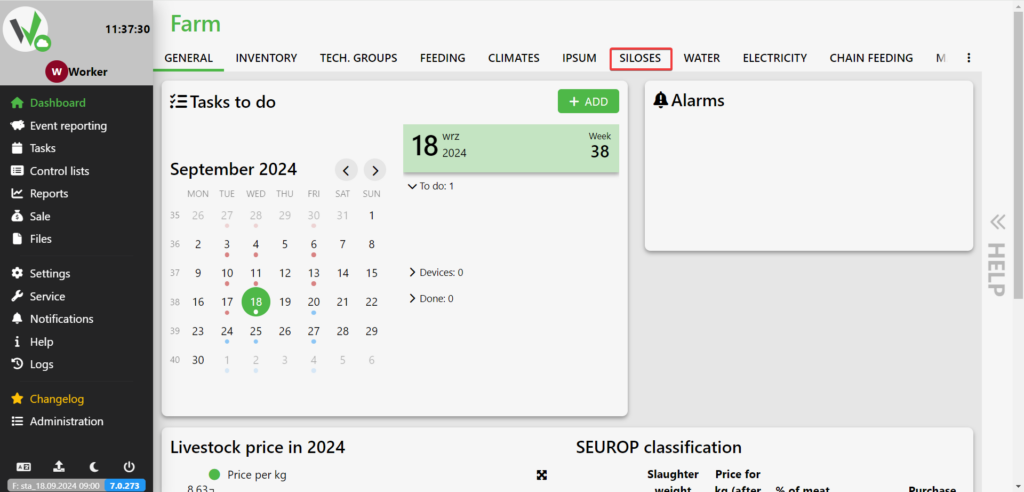
After logging in , go to the SILOS tab .
Select the silos you want to assign feeds to by clicking on them and select SELECT FEED.
![Silos building list with red numbered arrows: [1] pointing to a silo row to select it, and [2] pointing to the actions menu button showing "Selected 0 silos".](https://help.fetura.pl/wp-content/uploads/2024/09/wybierz-silos-en-1024x492.png)
Then select the feed you want to assign to the silo [1] and click the save button [2].
!["Choose a feed" dialog with red numbered markers: [1] the Forage dropdown used to select the feed, and [2] the green OK button used to save the assignment.](https://help.fetura.pl/wp-content/uploads/2024/09/wybierz-pasze-en-1024x492.png)

After logging in , go to the SILOS tab .
Select the silos you want to assign feeds to by clicking on them and select SELECT FEED.
Then select the feed you want to assign to the silo [1] and click the save button [2].


