
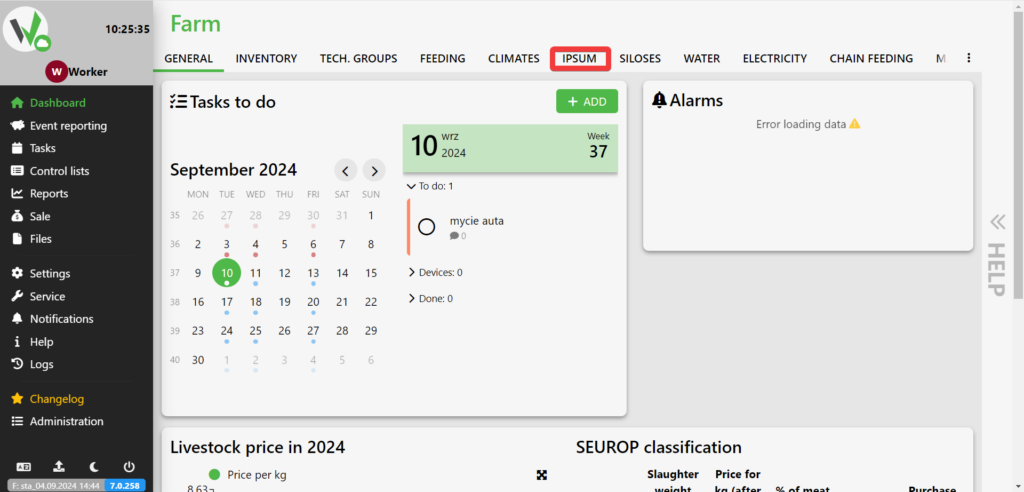
After logging in, go to the IPSUM tab.
Select the IPSUM on which you want to edit the settlement [1], click the blue button with three dots, and click EDIT settlement [2].
![IPSUM building view with a red arrow [1] pointing to the sector tile and a red arrow [2] pointing to the "EDIT SETTLEMENT" option in the dropdown menu.](https://help.fetura.pl/wp-content/uploads/2024/09/ipsum-edycja-zasiedlenia-en-1024x492.png)
Enter when the settlement started [1], when it ends [2] and the average age of the animals during the settlement [3]. After entering these data, click the save button [4].
!["Edit settlement" dialog with numbered red markers on the start date field [1], end date field [2], average age of inserted pigs field [3], and the EDIT save button [4].](https://help.fetura.pl/wp-content/uploads/2024/09/ipsum-modal-edycja-zasiedlenie-en-1024x492.png)


