From the Side menu, go to Settings -> Devices.
Select the Add dispenser function.
A screen opens with the selection of device scanning modes.
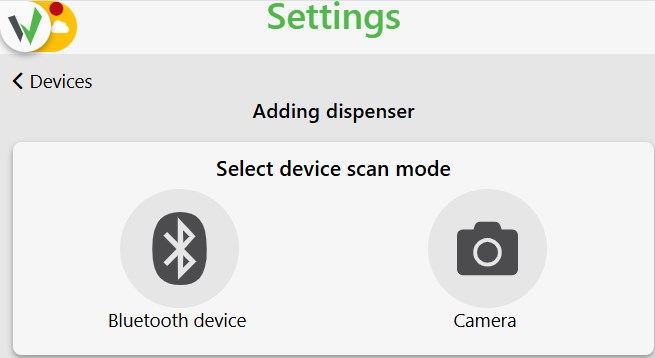
We indicate the scanning mode, for example, via Bluetooth or via Camera.
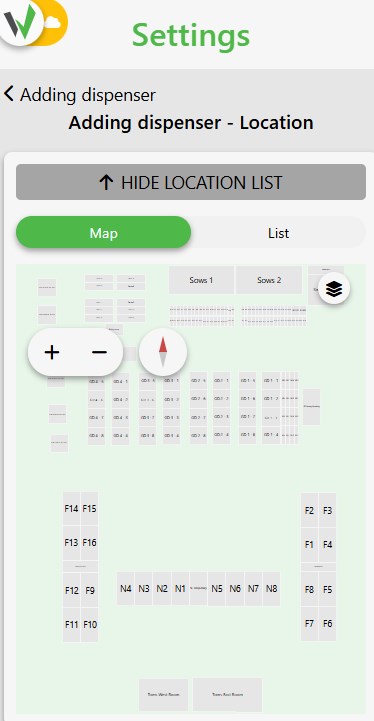
In the next step, we need to indicate on the map or select from the list the location to which we want to assign our dispenser.
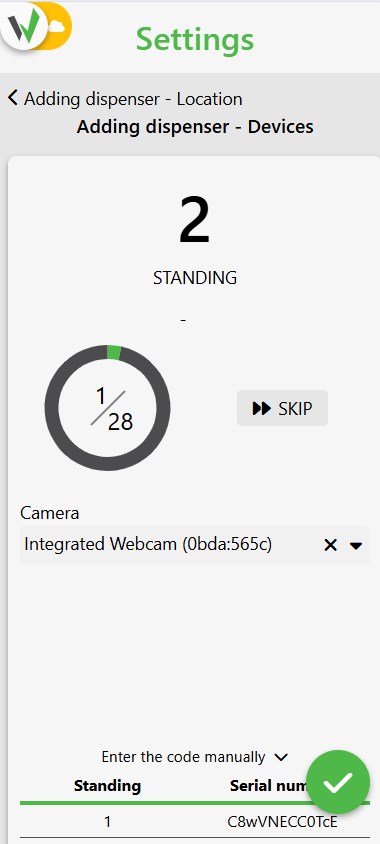
A scan screen will appear with a list of posts to assign a dispenser for individual sectors, or a screen with additional configuration for group posts.
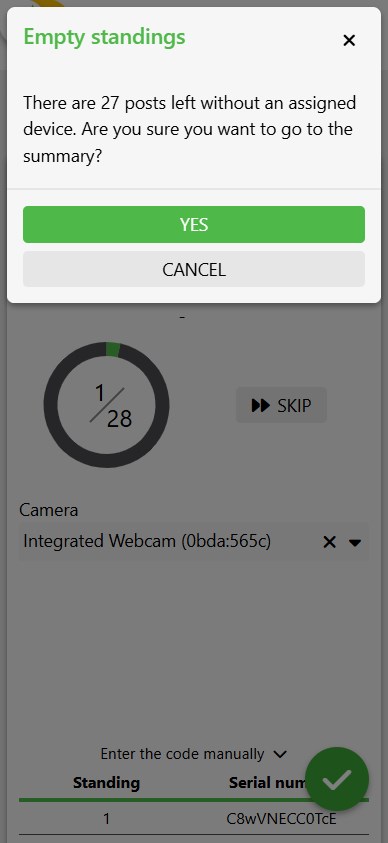
If you do not complete all standing, you will receive a message asking you to confirm empty locations.
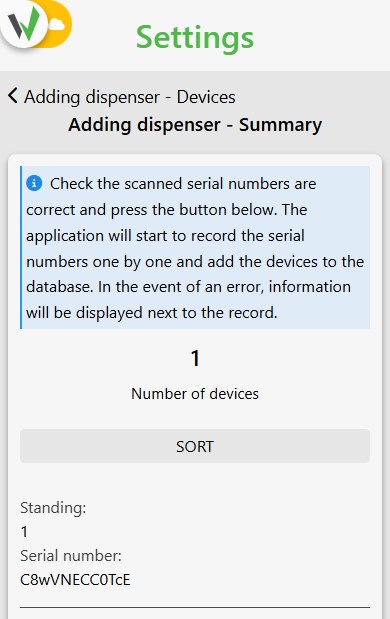
In the last step, we check the correct assignment of devices to places and save. The dispensers are correctly added to the system.
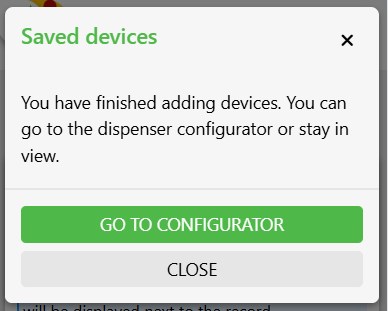
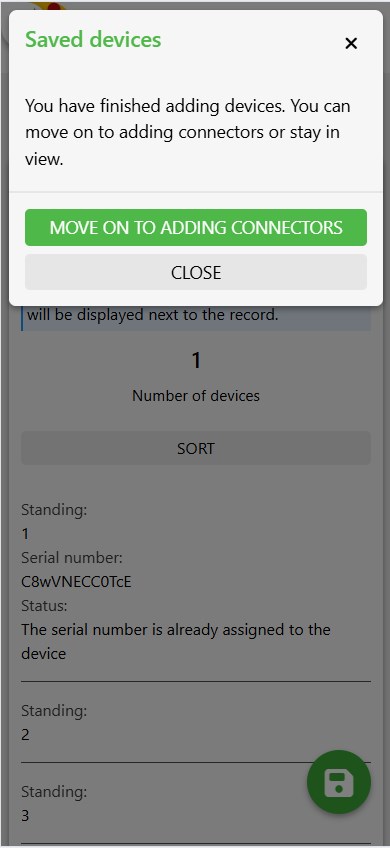
We receive a message that the hardware addition has been completed. f we’ve already added connectors, we’ll finish the configuration at this point. If we haven’t added them, we’ll move on to adding connectors.
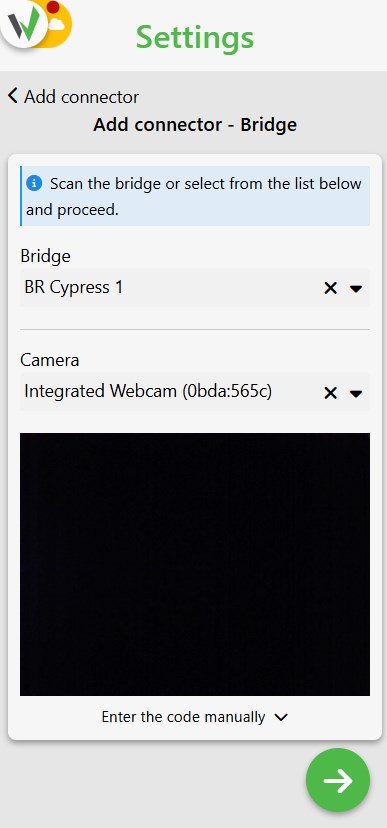
Add a Bridge by scanning or selecting from the list. You can also enter the QR code manually.
In the next step we need to select the interface and add the connector.
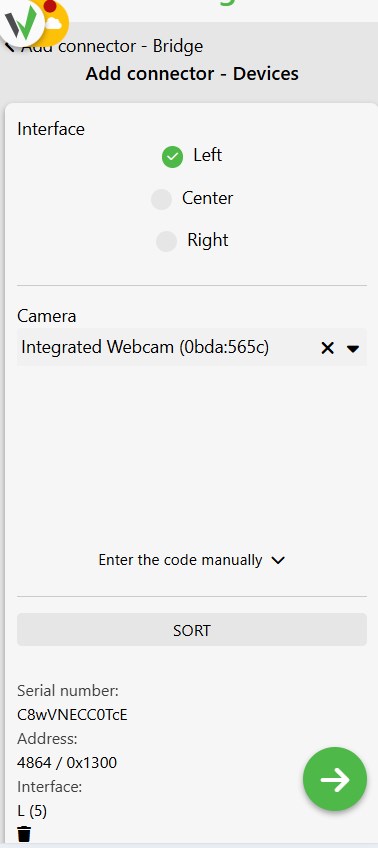
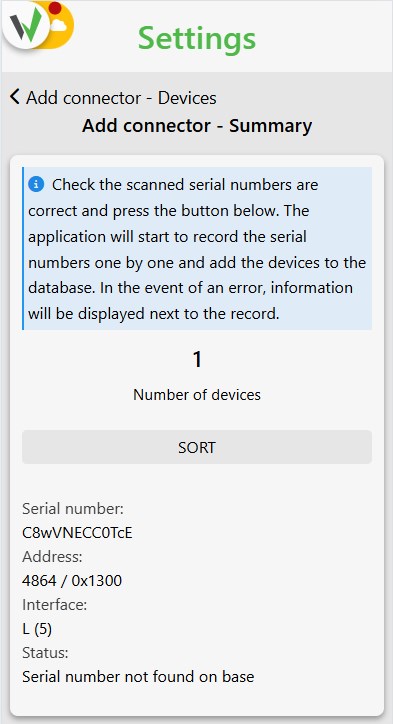
We receive a summary of the added connectors.
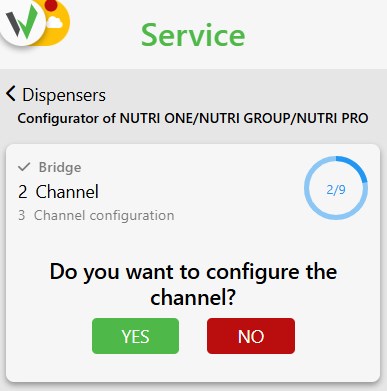
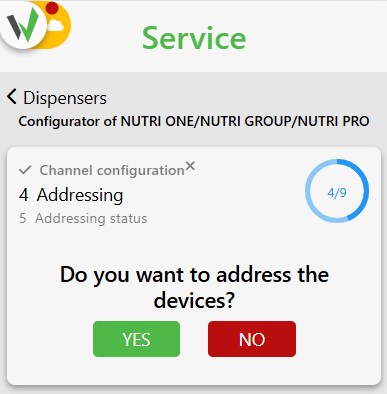
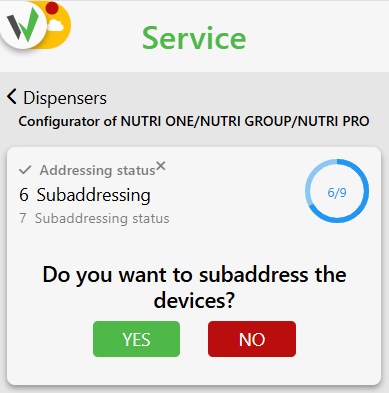
In the next step we go to the configurator Bridge, Channel, Addressing, Subadressing.