1 To see the details of a parameter on the results, select the “Results” tab from the top navigation menu.
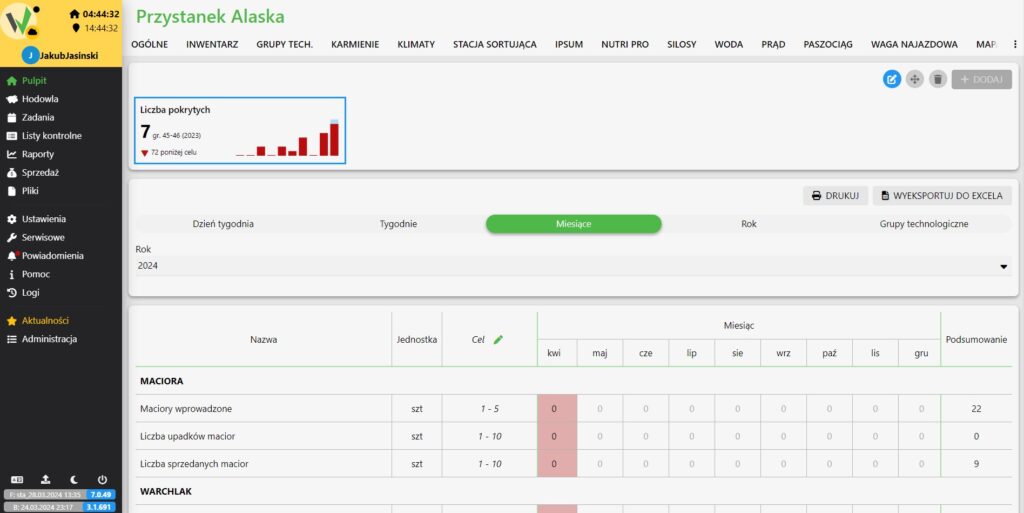
2. then click on the parameter whose details you want to view. A new window with details of the selected parameter will appear.
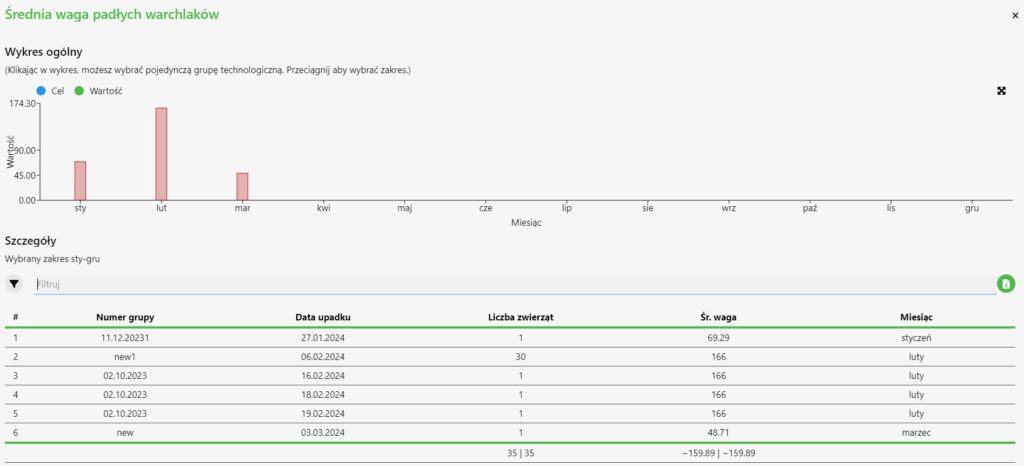

1 To see the details of a parameter on the results, select the “Results” tab from the top navigation menu.
2. then click on the parameter whose details you want to view. A new window with details of the selected parameter will appear.


