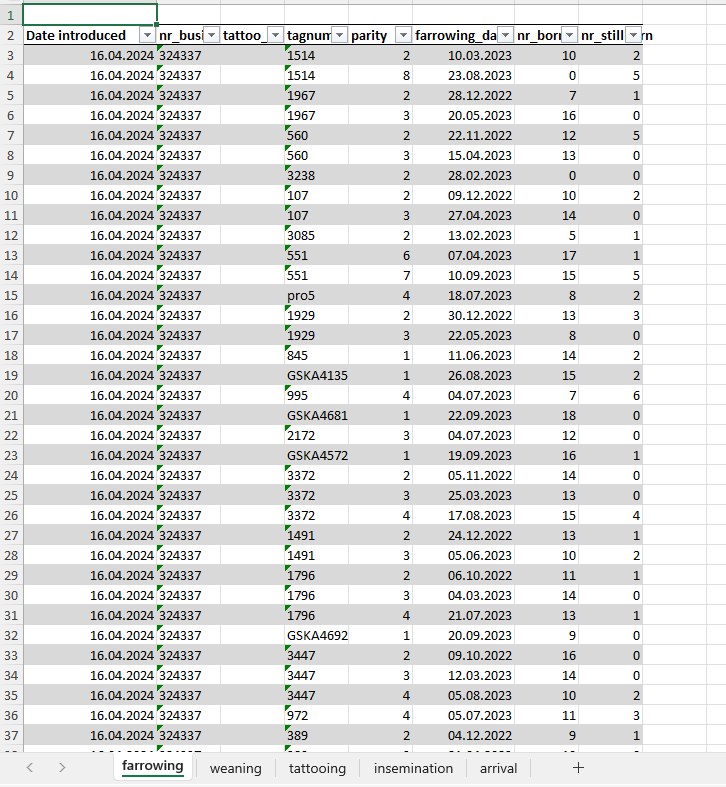
1 To generate a genetics report, select the “Reports” tab from the side navigation menu.
2 Next, from the available list, select the report named “Genetics report”.
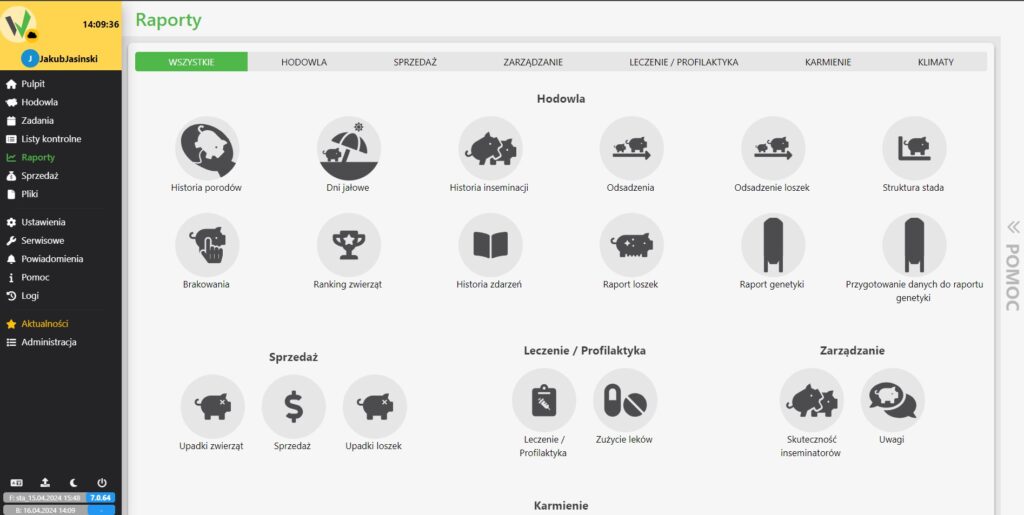
(3) The genetics report is generated based on the data generated from the last “Preparing data for genetics report” report (instructions for generating “data for genetics report: https://help.fetura.pl/knowledge-base/raport-przygotowanie-danych-do-raportu-genetyki/)
4 In the criteria for generating the Genetics Report, we can filter the data by race and expand the report with additional columns.
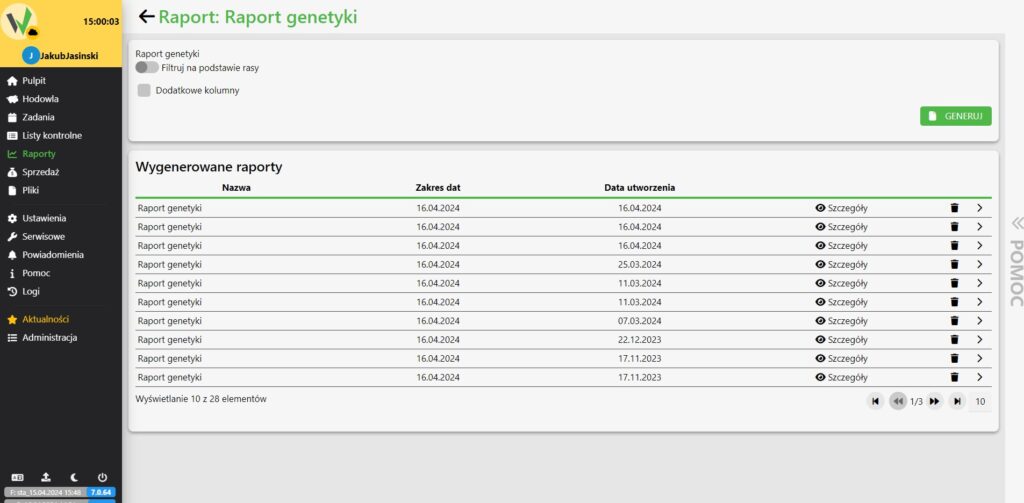
5 Clicking details on the list of generated reports downloads us “Genetics report” in xlsx format.