
Renaming the control panel makes it easier to identify the device, especially when you manage multiple locations or facilities.
To rename the PBX:
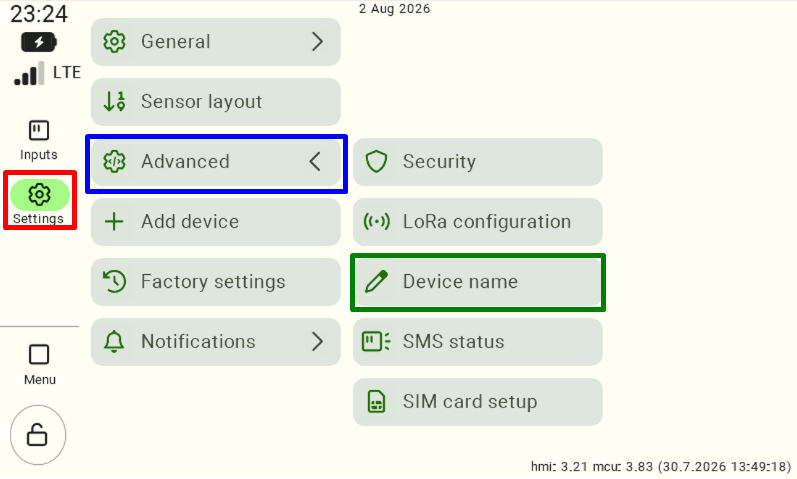
Go to Settings, then select the Advanced section and the Device Name option.
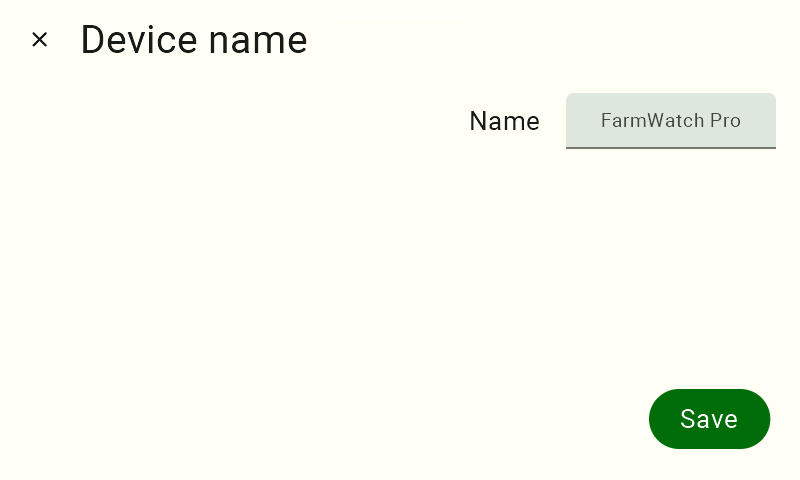
The current name of the control panel is displayed in the device name field. Click in the text field to begin editing.
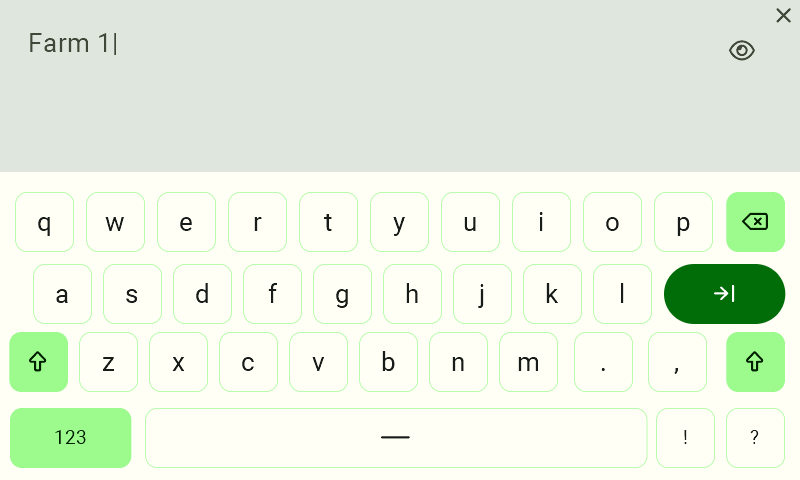
Use the on-screen keyboard to enter a new name for the device.
After entering the new name, click the Save button to confirm the changes.
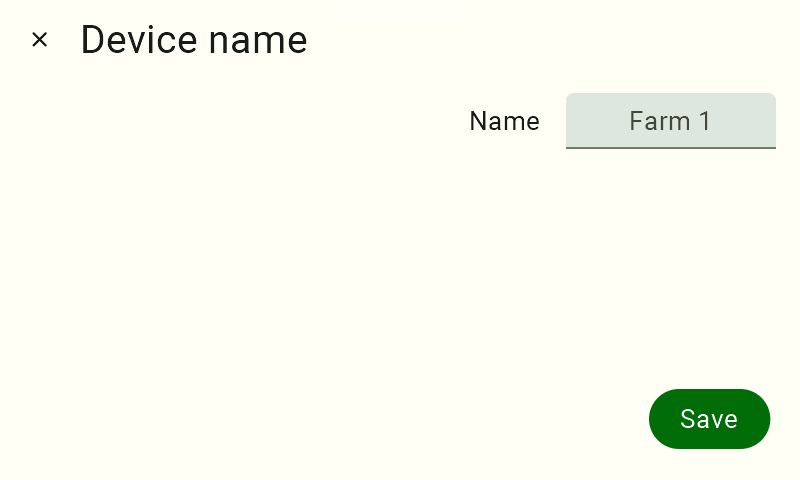
After saving the changes, the new name will be displayed in the system and used to identify the FarmWatch Pro control unit.


