
In order for the FarmWatch Pro control unit to communicate with the Fetura CLOUD platform via the cellular network, the SIM connection must be configured correctly. In most cases, this requires entering the appropriate APN (Access Point Name) provided by the cellular network operator.
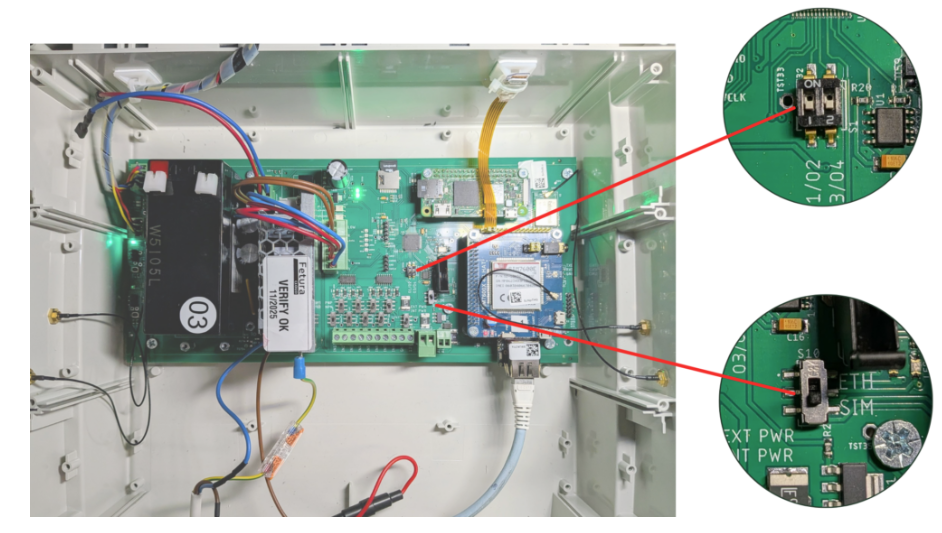
Obtaining the APN Name
You should obtain the APN name from the carrier whose SIM card you plan to use in the device.
The easiest way is to look up the information on the provider’s website.
Example (Europe) – Orange
In a web search engine, enter the phrase “APN Orange.”

Go to the operator’s website.
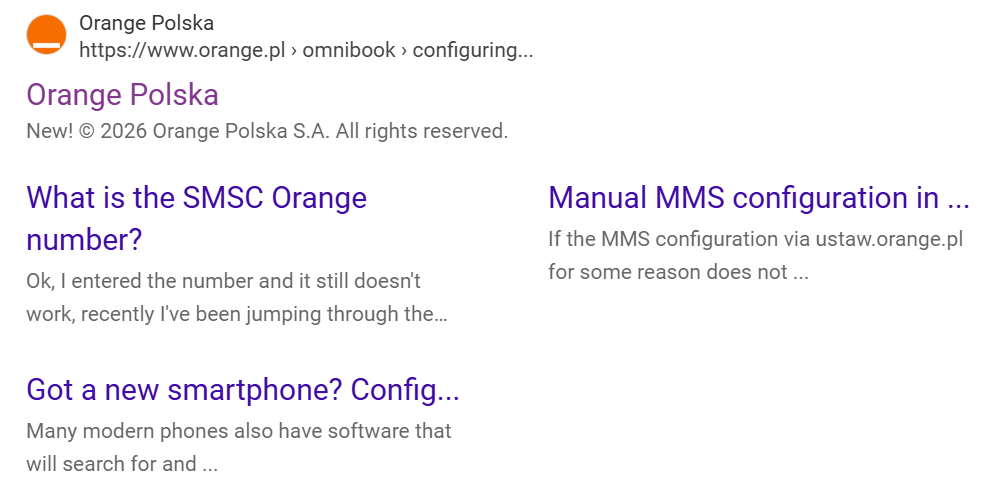
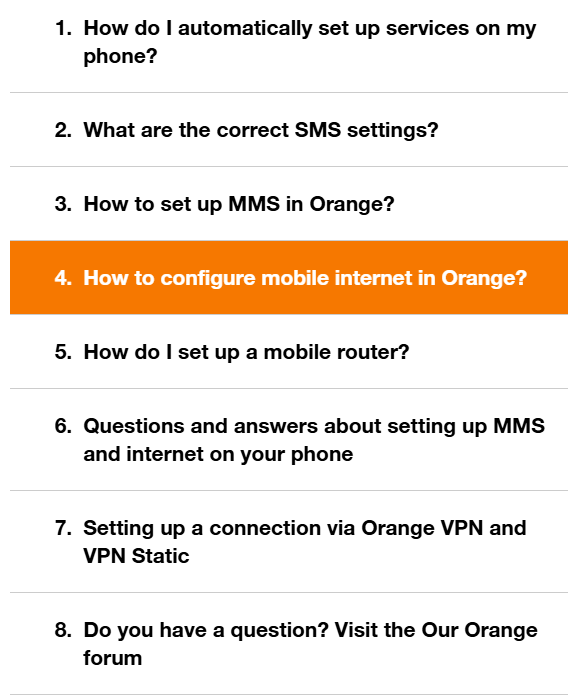
On the provider’s website, look for information about setting up mobile internet.
Find the APN name used for Internet connections.
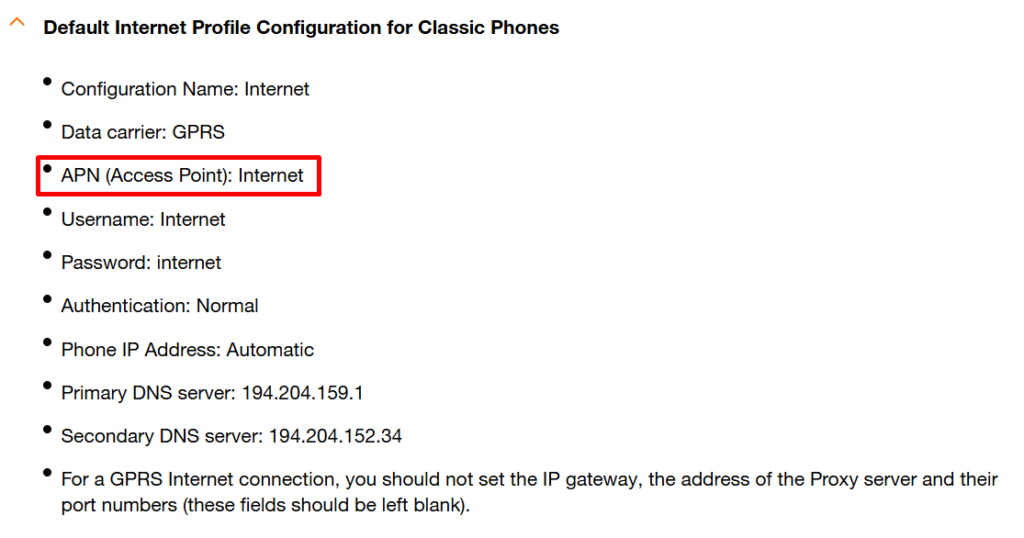
Write down or remember the APN name. You’ll need it when setting up your device.
Example (U.S.) – Verizon
In a web search engine , enter the phrase “Verizon APN.”

Go to the operator’s website.
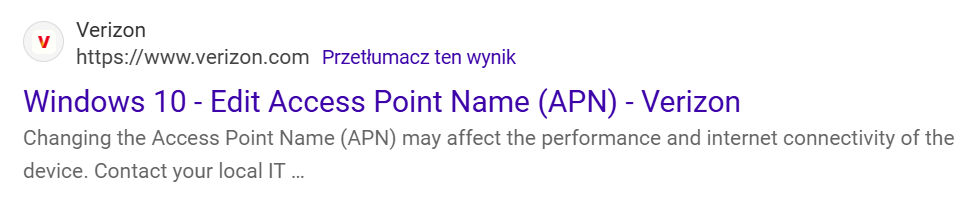
Find the section that contains the APN settings.
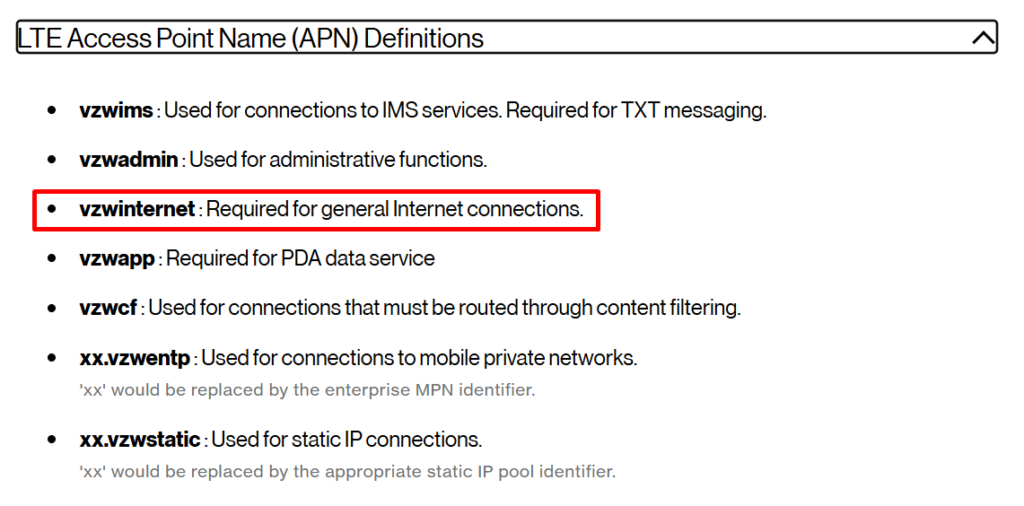
Write down or remember the APN name. You’ll need it when setting up FarmWatch Pro.
APN Configuration in FarmWatch Pro
On the main unit, go to Settings → Advanced → SIM Configuration.
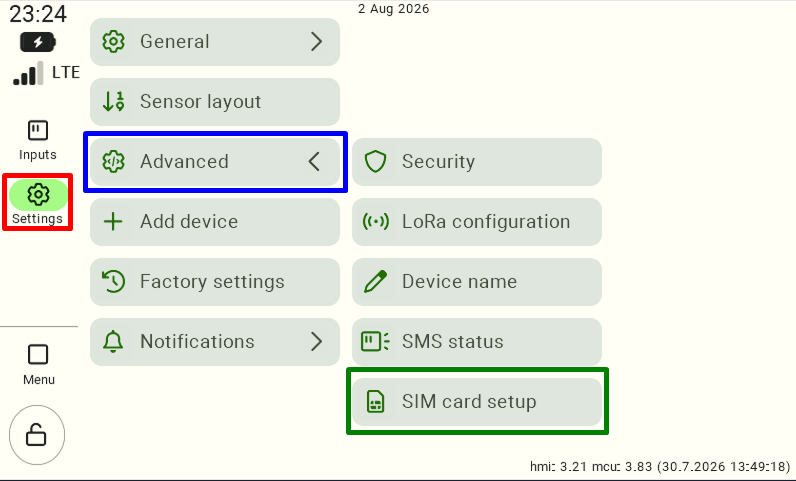
After opening the SIM settings, click the button “Network Settings” located in the lower-left corner of the screen.
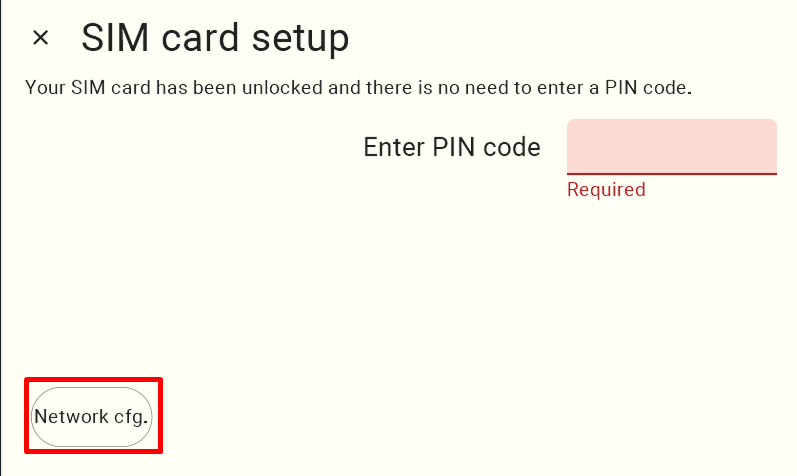
After navigating to the network settings, the connection configuration table will appear.
To add a new APN name, click the empty field in the “APN” column .
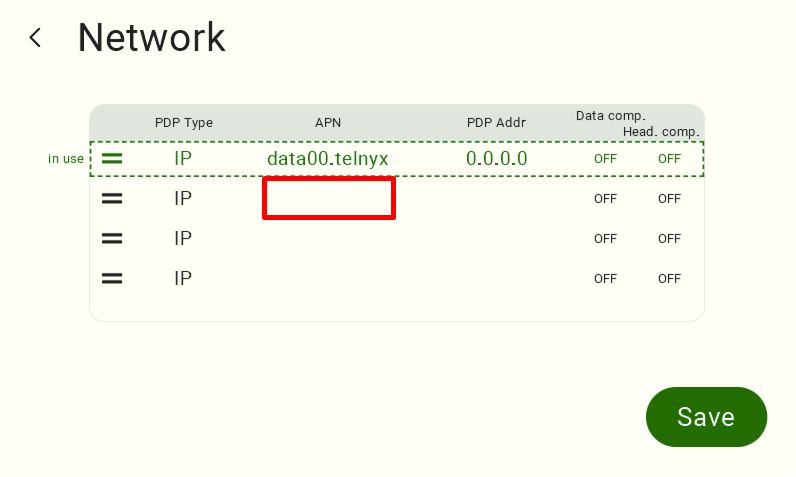
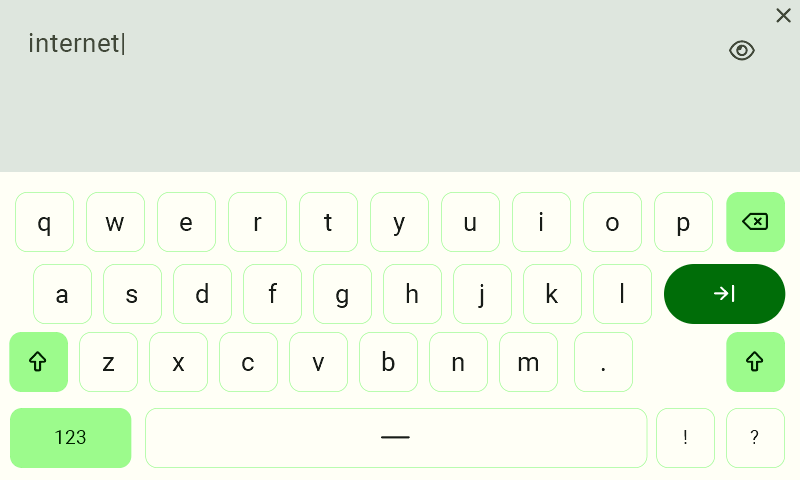
Enter the APN name you found on your carrier’s website, and then confirm the entry using the on-screen keyboard.
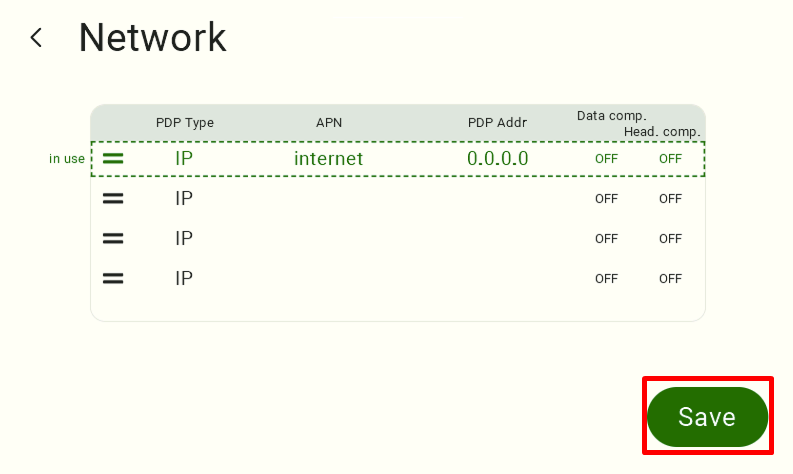
After adding a new entry , drag it to the top of the list and click the “Save” button .
Inserting the SIM Card into FarmWatch Pro
Open the device’s case and locate the SIM card slot.
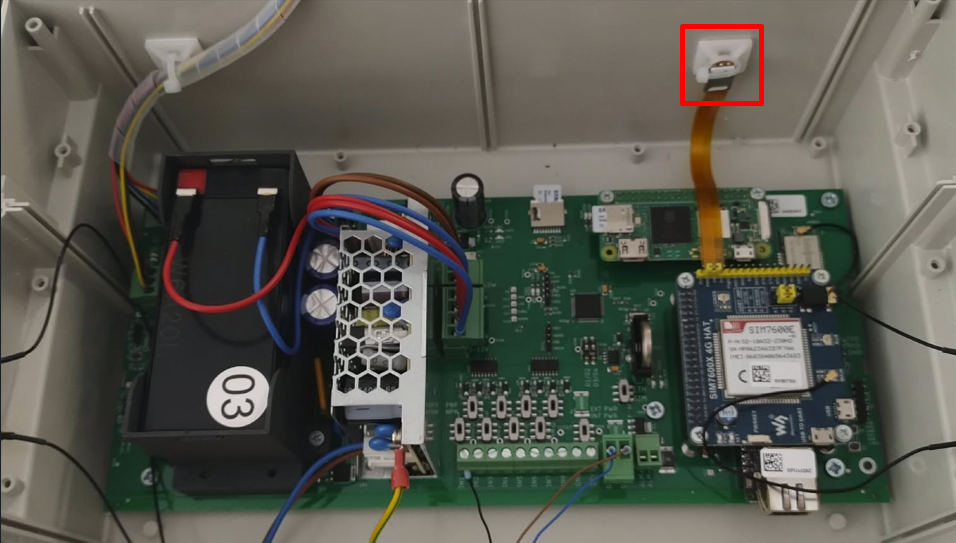
Insert the SIM card into the slot.
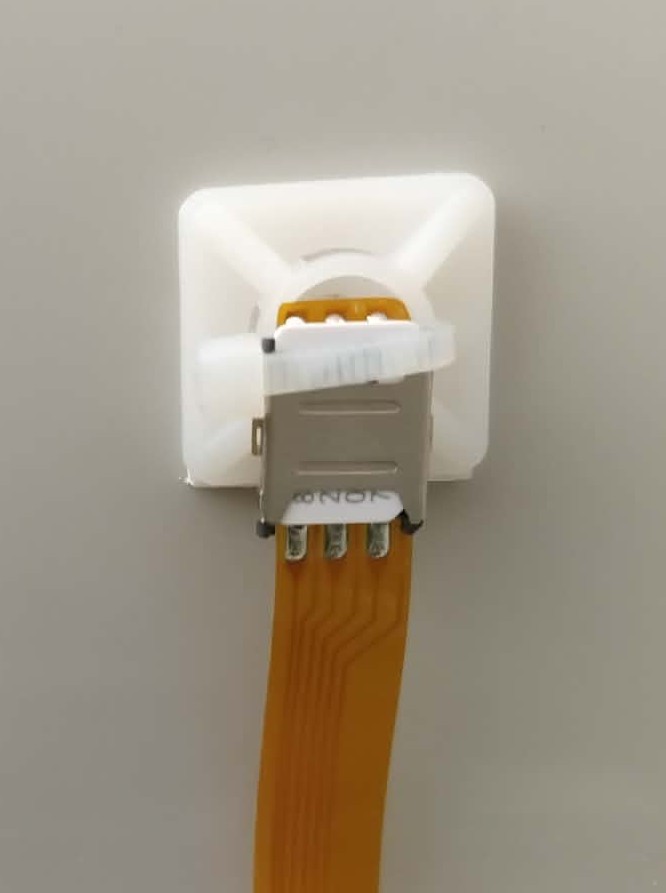
After installing the card, close the device’s case and reconnect the power supply.
If the SIM card is active and the APN name has been configured correctly, the PBX should automatically connect to the cellular network.
We hope this article has helped you set up your SIM connection in FarmWatch Pro. We hope you enjoy using the system!


