1. Home
  2. FarmWatch Pro
  3. How do I change the alarm threshold for a sensor?

How do I change the alarm threshold for a sensor?

Alarm thresholds allow you to set the temperature range at which FarmWatch Pro will trigger an alarm. With this feature, you can quickly receive a notification when the temperature drops below a set level or exceeds a specified value.

Accessing the Alarm Threshold Settings

To change the alarm settings for a sensor, click the tile for the selected sensor on the home screen.
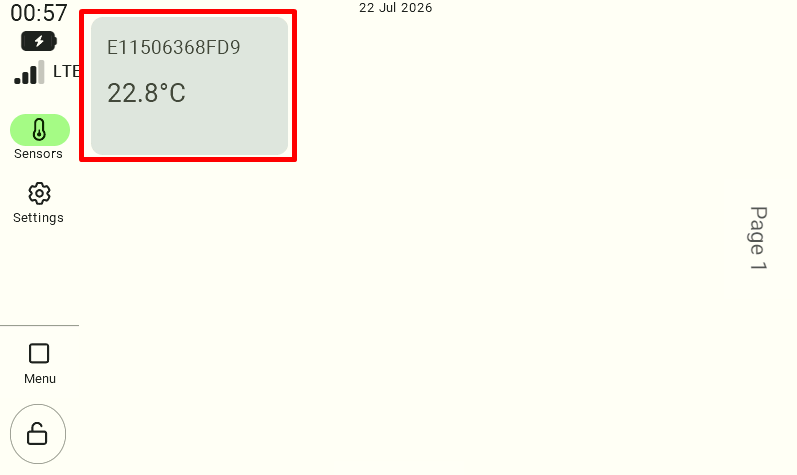
The main view of the control panel dashboard with the "Sensors" tab selected in the left-hand menu. In the main part of the screen, a light gray tile representing an added sensor is visible, displaying its name and current temperature reading. The user must click this sensor tile to access its details and configuration.

After navigating to the sensor details view , select the “Set Alarm Thresholds” option .
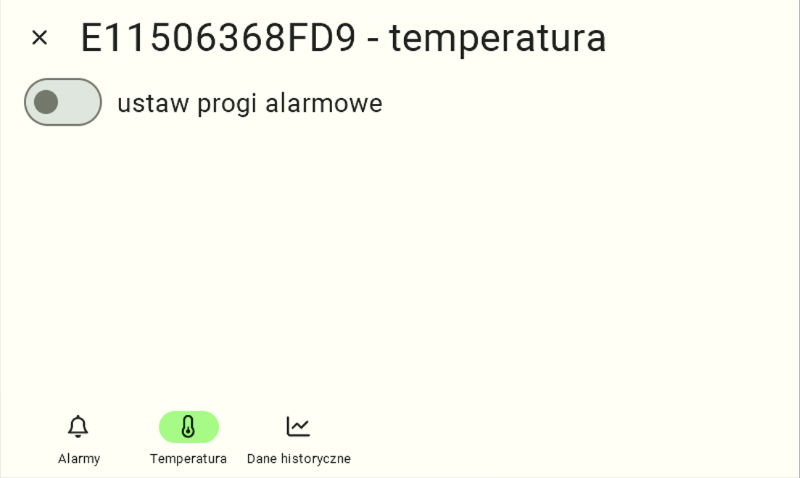
Details view of the selected sensor (e.g., named "E11506468FD9 - temperature"). The "Temperature" tab is active in the bottom navigation bar, indicated by the icon being highlighted in light green. Above it is a gray, inactive slider labeled "Set Alarm Thresholds." To begin configuring the limits, the user must click this slider.

Setting Alarm Values

After enabling the alarm threshold feature, you can set:

  • minimum threshold – the value below which an alarm will be triggered,
  • maximum threshold – the value above which an alarm will be triggered.

If the set thresholds are exceeded, FarmWatch Pro will send the configured notifications, such as a text message or phone call.
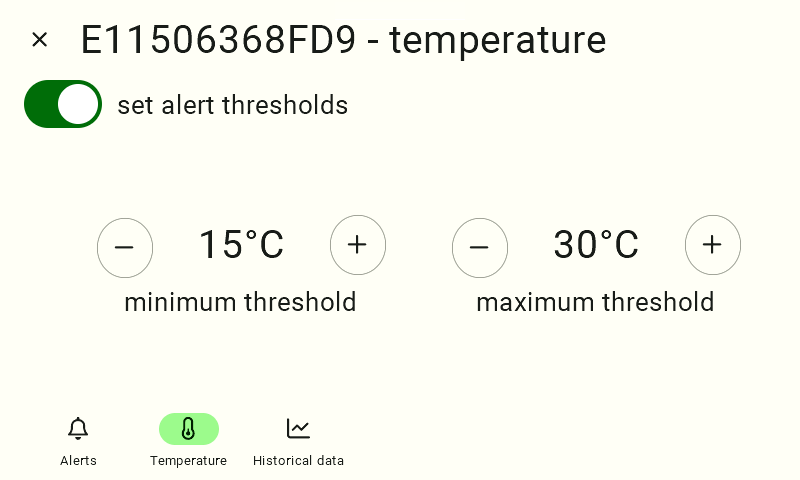
The sensor configuration screen after enabling the threshold function. The "Set Alarm Thresholds" switch is now active and lit green. Two configuration panels have appeared below it: "Minimum Threshold" and "Maximum Threshold." The user sets the desired temperature thresholds by clicking the circular buttons with the plus sign (“+”) to increase the value or the minus sign (“-”) to decrease it.

Active Alarm Notification

If the temperature exceeds the set minimum or maximum threshold, the sensor tile on the home screen will turn red.

The color red indicates an active alert and signals that user action is required.

We hope this article has helped you adjust the alarm thresholds for your sensor in FarmWatch Pro. We hope you enjoy using the system!

Updated on 2026-07-23
Was this article helpful?

Related Articles

Need Support?
Can't find the answer you're looking for?
Contact Support

Leave a Comment